

Telematics for School Bus Safety: A Complete Guide for Schools and Parents

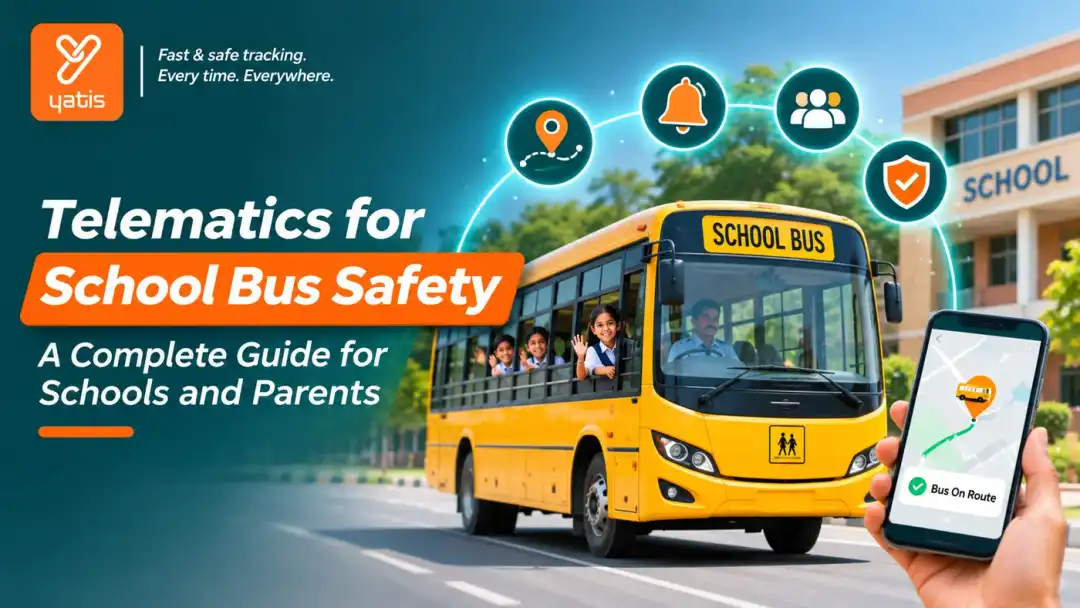
A school bus journey is more than a route on a map. Schools need to know whether a vehicle is following its assigned route, travelling safely, reaching stops on time and carrying the right students. Parents need dependable updates—not uncertainty during the daily commute.
School bus telematics is a connected transport system that uses vehicle location and, where supported, operational signals to help schools manage student transportation. A complete school bus tracking system can bring together live bus location, route monitoring, overspeed alerts, route deviation notifications, emergency escalation, student boarding and drop-off records, parent notifications and transport reports.
This guide explains the core capabilities, how they work together, which school transport KPIs to monitor and what to evaluate before choosing Yatis School Bus Tracking.
What is school bus telematics?
School bus telematics connects GPS tracking devices, vehicle signals and digital transport workflows to create visibility over school bus operations. Depending on hardware and integrations, it may capture location, speed, ignition, trip history, stops, geofence events and driver-related data. Attendance and parent communication typically require a student identification method and an application or platform integration.
- School bus GPS tracking: where a bus is, where it has travelled and whether it has reached a defined stop or zone.
- School bus safety technology: alerts and monitoring that help teams identify unsafe driving, route deviation or emergency events.
- School transport management: workflows for routes, students, attendance, parent updates, incidents and reporting.
Infographic 1. A school bus safety workflow—from route planning to monitoring, intervention and communication.
8 essential school bus telematics capabilities
01Live school bus GPS tracking
View buses on a map, check trip status and review route history. Transport teams can identify progress, delays and vehicles that have not started or completed a trip as expected.
02Geofencing for stops and campuses
Set virtual boundaries around school gates, pickup points and approved locations. Entry, exit and arrival events can support stop monitoring and operational alerts.
03Overspeed alerts and driver safety
Configure speed thresholds appropriate to road type and school policy. Review overspeeding and supported harsh-driving events with trip context; use a documented coaching and escalation process.
04Route deviation detection
Compare actual bus movement with the approved route or corridor. Notify the transport desk when a vehicle deviates, makes an unexpected stop or misses a defined checkpoint—then verify the cause.
05Emergency and SOS response
Use supported panic/SOS inputs or defined incident triggers to notify designated staff. Establish who receives alerts, how they contact the driver and emergency services, and how the event is documented.
06Student boarding and drop-off attendance
Pair bus journeys with a validated student identification process—such as RFID, QR, attendant-assisted app entry or another supported method. GPS arrival alone cannot confirm a child boarded or was handed over.
07Parent app and transport notifications
Share authorised journey status, bus approach or delay notifications and boarding/drop-off events through a parent-facing application or communication integration. Keep alerts useful, timely and privacy-conscious.
08Transport reporting and audit trail
Review route completion, stop timings, safety events, attendance exceptions and vehicle utilisation. Preserve incident notes and authorised access records to support operational reviews and parent enquiries.
How school bus tracking supports safer daily journeys
Infographic 2. Role-based information flow. Configure access and notifications to protect student and driver privacy.
School transport safety KPIs to track
| Objective | Suggested KPI | What it tells the school |
|---|---|---|
| Reliable routes | Route adherence %, on-time stop arrival | Whether buses follow approved plans and timings |
| Safer driving | Overspeed events per 100 trips; repeat-event rate | Where coaching or route review may be needed |
| Faster response | Alert acknowledgement and resolution time | Whether alerts reach the right person and are acted on |
| Student accountability | Boarding/drop-off capture %, reconciliation exceptions | Completeness of attendance records |
| Parent communication | Notification delivery %, update freshness | Whether updates are timely and dependable |
| Operational efficiency | Trip completion %, vehicle downtime, route variance | How consistently transport operations run |
Define each metric before rollout: denominator, time window, route exceptions, data source and owner. For example, an overspeed event count is more useful when normalised by trip or distance and reviewed against road conditions and configured thresholds.
What happens when a school bus safety alert is triggered?
- Detect: the platform receives a supported event such as overspeed, route deviation, unexpected stop or SOS.
- Prioritise: the event is classified by severity and sent to the assigned transport coordinator or escalation group.
- Verify: staff check vehicle location, trip context and driver/attendant contact before concluding what happened.
- Respond: follow the school's approved procedure—contact the driver, inform authorised stakeholders or activate emergency services when warranted.
- Record: document actions, timestamps, outcome and follow-up.
- Improve: review recurring events to adjust routes, training, schedules or alert thresholds.
School transport safety checklist: before choosing a system
- ☐ GPS tracking updates are sufficiently frequent for your routes and network conditions.
- ☐ Route, stop and campus geofences can be configured and maintained by authorised staff.
- ☐ Overspeed and route deviation thresholds can be aligned with school policy.
- ☐ Alerts have named recipients, escalation rules, acknowledgement and closure workflows.
- ☐ SOS/emergency processes are tested with drivers, attendants and transport coordinators.
- ☐ Student attendance uses a separate, validated boarding/drop-off confirmation method.
- ☐ Parent app notifications are permissioned, accurate and appropriately timed.
- ☐ Role-based access protects student, parent, driver and vehicle information.
- ☐ Data retention, audit trails, incident records and access logs are documented.
- ☐ Device compatibility, installation, network gaps and platform support are tested.
- ☐ Reports export route, trip, alert and attendance data in agreed formats.
- ☐ Pilot includes representative routes, vehicles, shifts and incident simulations.
For broader vehicle tracking procurement considerations, see the Yatis Vehicle Tracking Buyer’s Checklist and explore the Yatis Resources Library.
How to implement school bus telematics in phases
| Phase | Deploy | Validate before expanding |
|---|---|---|
| 1. Visibility | GPS tracking, route and stop master, trip status | Location freshness and trip completeness |
| 2. Safety monitoring | Geofences, overspeed, route deviation, SOS workflow | Alert accuracy, ownership and response drills |
| 3. Student & parent workflows | Attendance capture, parent app or notification integration | Student identity matching, permissions and delivery checks |
| 4. Reporting & improvement | Dashboards, audit trail, recurring route and safety reviews | Consistent KPIs, privacy controls and improvement actions |
Begin with a pilot across a small but representative group of routes. Include morning pickup, afternoon drop-off, school gate congestion, network gaps, a route change and an alert-response drill. Train drivers and attendants on the process—not only the app—and communicate clearly with parents about what is tracked and what each notification means.
Frequently asked questions about school bus telematics
What is school bus telematics?
School bus telematics combines GPS tracking, supported vehicle signals, safety alerts and connected transport workflows to help schools monitor buses, manage exceptions and communicate journey status.
How does a school bus tracking system work?
A GPS device sends location and trip information to a platform. The platform displays bus movement, compares it with routes or geofences and can generate configured alerts. Attendance and parent updates require additional workflows or integrations.
Can parents track their child's school bus?
Parents can receive authorised bus location, approach, delay or journey-status updates when the school enables a parent app or notification service. Access should be restricted to the appropriate student and guardian relationship.
Does GPS tracking confirm that a student boarded the bus?
No. GPS confirms vehicle movement or arrival, not the identity of passengers. Student boarding and drop-off need a separate attendance process such as RFID, QR or attendant-assisted confirmation.
Can school bus telematics detect overspeeding and route deviation?
Yes, where supported data and configuration are available. The system can compare speed against configured thresholds and movement against approved routes or geofences, then alert authorised staff for verification and response.
What should schools check when selecting school bus safety technology?
Evaluate tracking coverage, alert accuracy, route and geofence management, emergency workflows, student attendance integration, parent communication, privacy controls, reporting, support and pilot performance.
Is school bus GPS tracking enough to ensure student safety?
No single technology guarantees safety. GPS tracking improves visibility, but safe transport also depends on trained drivers and attendants, vehicle maintenance, supervision, safeguarding policies and reliable incident-response procedures.
Make school transport more visible, accountable and responsive
Explore Yatis School Bus Tracking for route visibility, vehicle monitoring and transport operations. Discuss your school's route, fleet and communication requirements with the team.
Explore Yatis School Bus Tracking · Explore GPS Tracking · Contact Yatis
Further reading and references
- Yatis School Bus Tracking — product information and school transport use cases.
- Yatis GPS Tracking System — fleet location and tracking capabilities.
- Yatis Resources — additional telematics and fleet guidance.
- NHTSA School Bus Safety — school bus safety information and road-user guidance.